 Whatlater
Teams: one member list, every shared tag
Sharing one album is easy. The hard part is the fifth time: the same people, re-invited collection by collection, forever one phone number behind. A team fixes the root cause — you build the member list once, and every shared tag follows it.
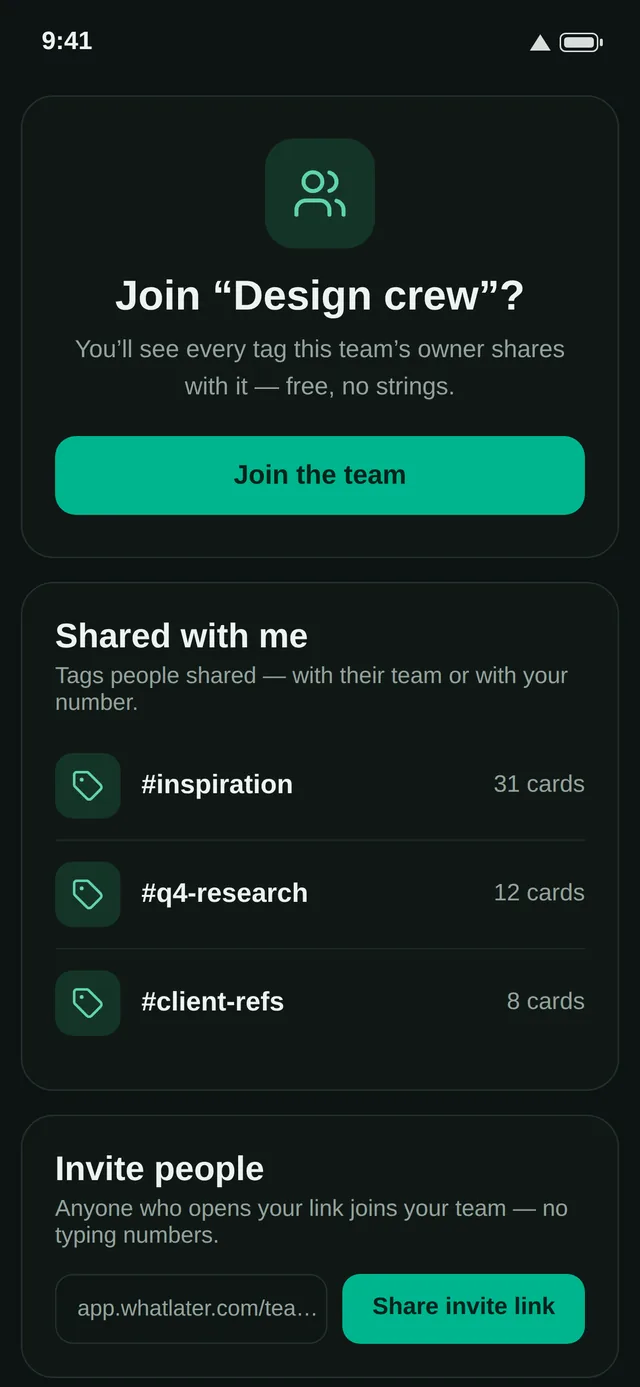
Built in a minute
Create a team — "Family", "Studio" — and add people by WhatsApp number, or just share the invite link; whoever opens it is in. The member list shows who has joined and who's still invited, so nothing is silent.
Share collections, not copies
Open any tag and set its access to your team. Everyone sees the same living collection — including everything you tag next week. Recipes the whole family cooks from, references the whole studio saves into, receipts a small business keeps in one place: tag it once and the right people have it.
Grown-up when you need it
Each team carries its own tag from birth, a calendar feed for date-carrying saves, and per-seat Premium when you want the whole team upgraded on one bill. Membership changes take effect immediately — remove someone and the door closes behind them.
Teams are the quiet half of WhatLater's promise: your library stops being a private pile and becomes a shared memory — with a guest list you only write once.