 Whatlater

An App For Great Minds.
Less upkeep. More progress. More success.
You don't need a second brain — just free your mind from the clutter. WhatLater stores, remembers, organizes, retrieves and automates, all through chat.
 Try it onWhatsApp
Free to start · No card · No new app — just WhatsApp
An App For Great Teams.
One tag. Whole team. Zero filing.
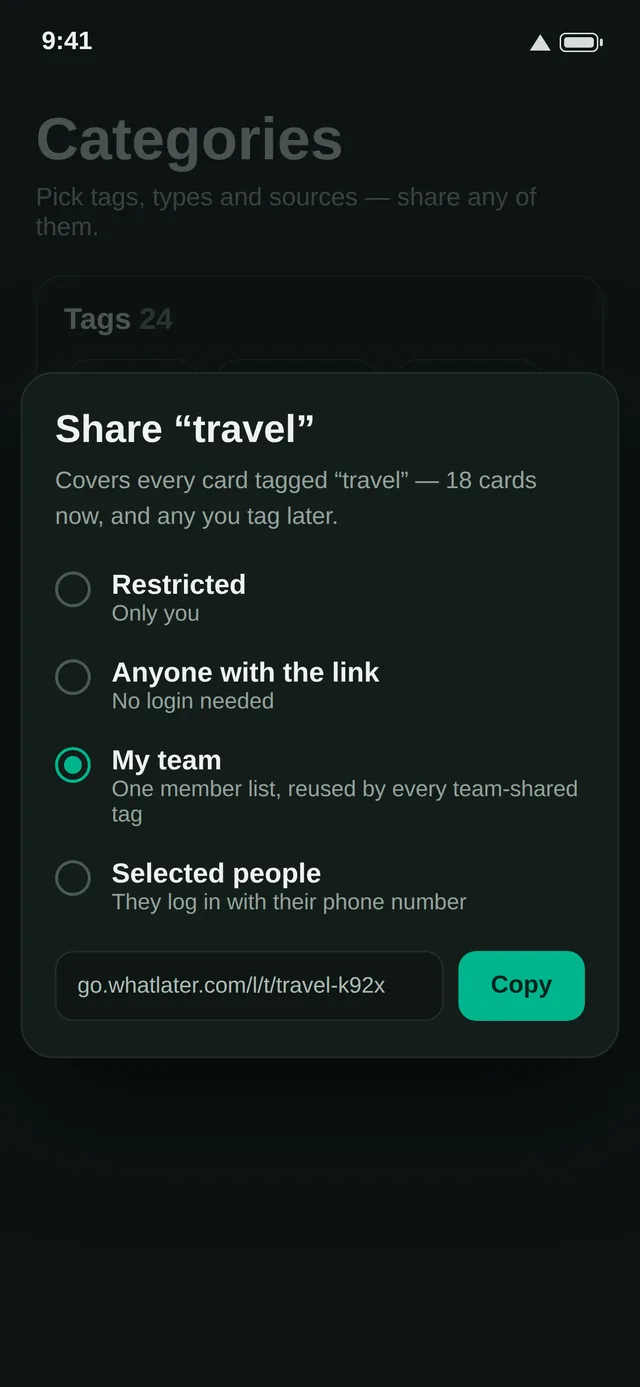
Share anything with WhatLater under your team's tag — it reaches everyone instantly and lands organized in the team space. No forwarding, nothing for your teammates to install.
See Teams in action →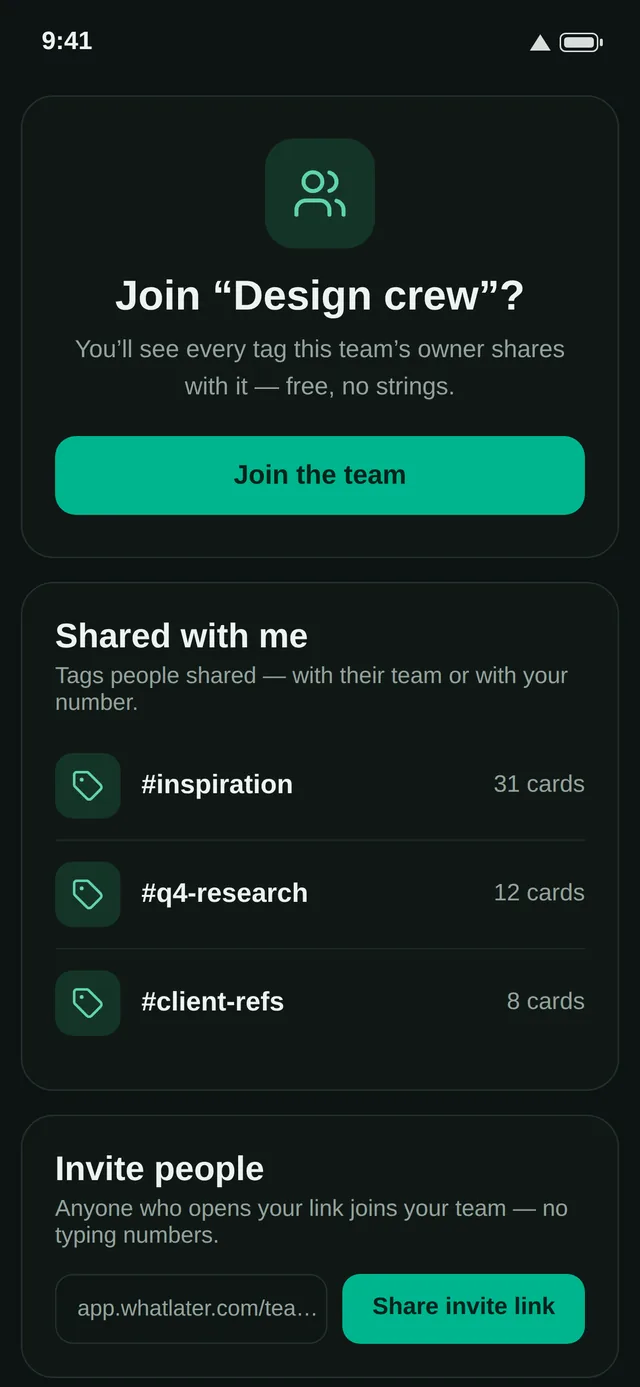
Save. Find.
Remember.
Automate.
All with a single message.
Send a link, photo, voice note or document to WhatLater on WhatsApp — like messaging a friend. AI tags it, files it and keeps it findable. Free to start, no card needed.
Every card here arrived as a WhatsApp message.
From chaos to clarity.
You send it — like texting a friend.
Groceries — $46.20
AI files it — your rule: “receipts go to Expenses.”
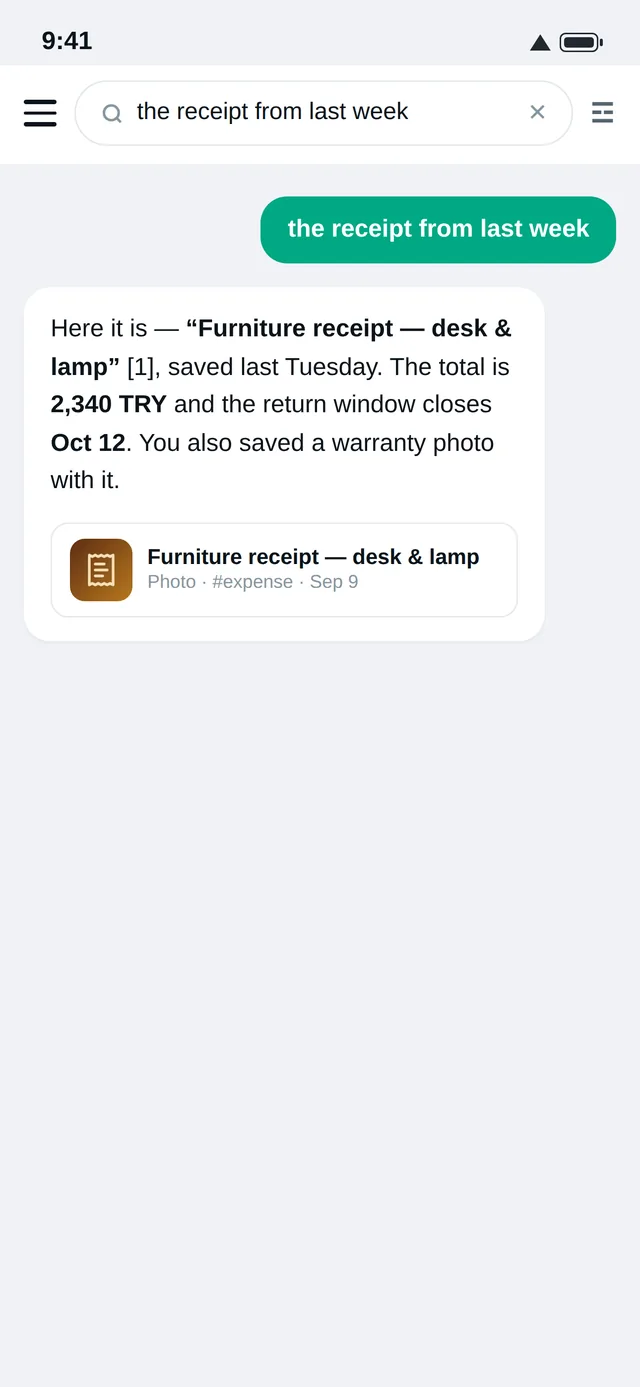
You find it — weeks later, in plain words.
See it working.
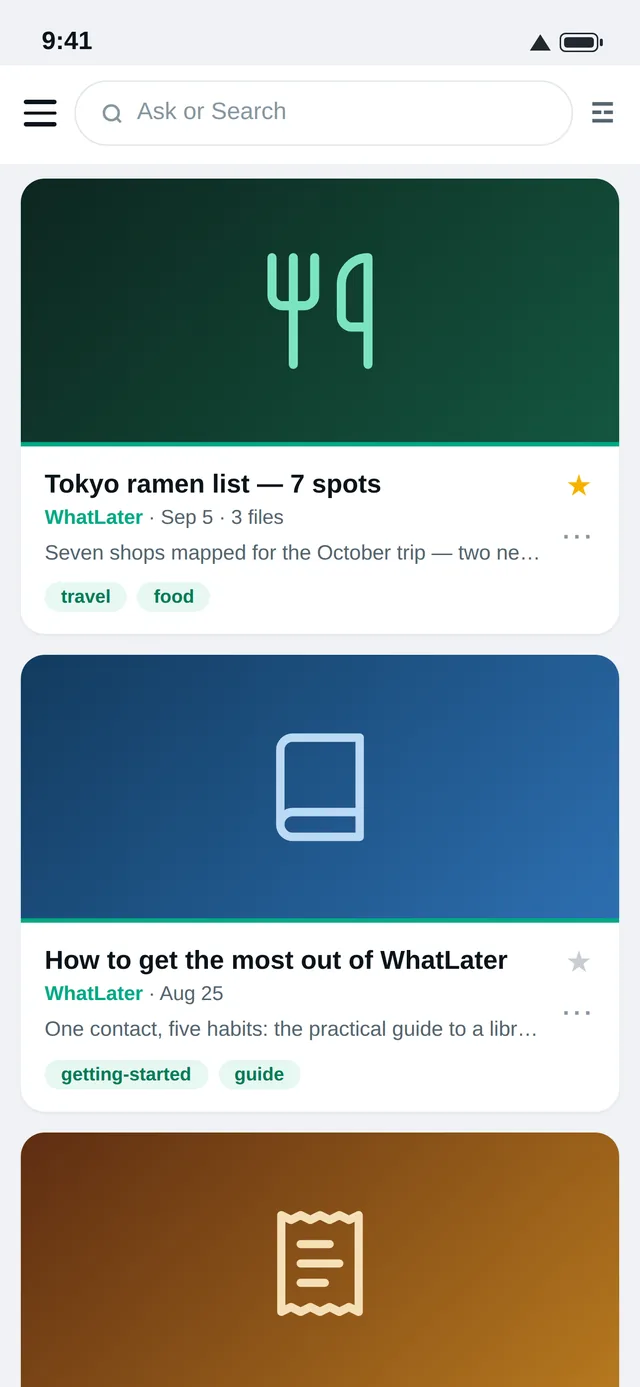
Everything lands as a card
Links, photos, voice notes and documents become tagged, summarized cards — filed the moment they arrive.
What people build with it.
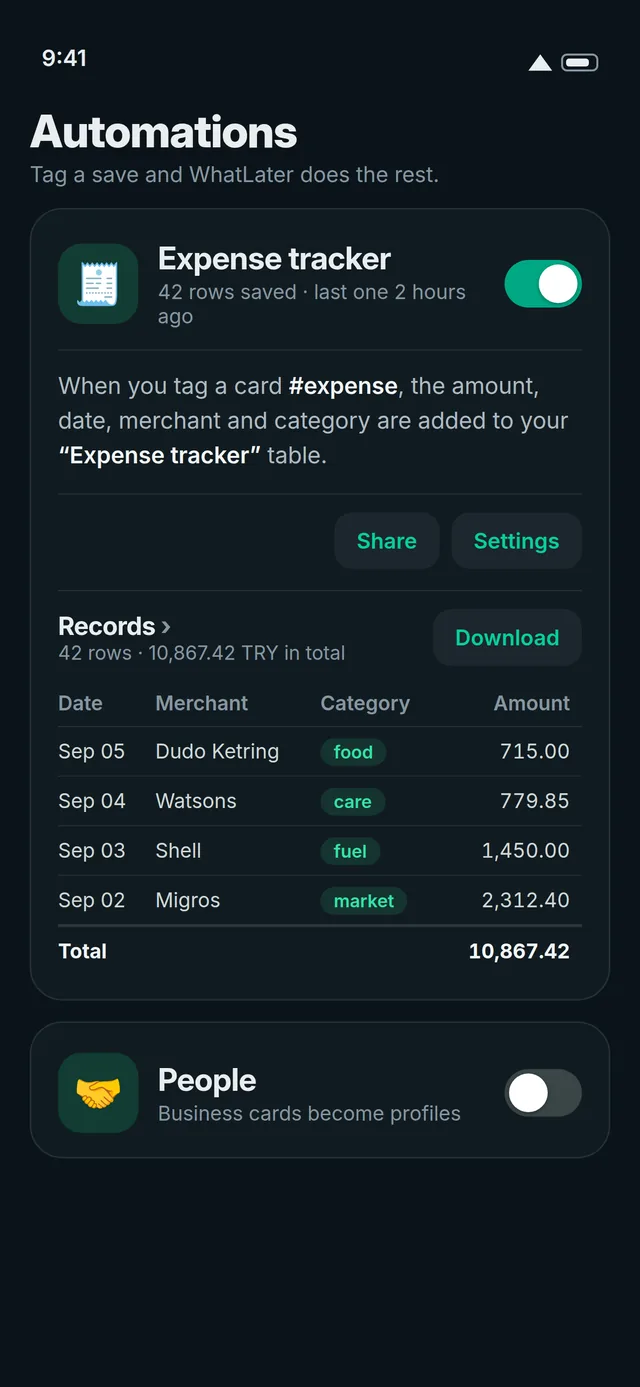
Snap, send, done — every receipt files itself, totals included.
See how →A photo becomes the family calendarThe class schedule lands on everyone's calendar — with reminders.
See how →Saved articles you actually find againWeeks later, one plain-words search brings it back — readable, forever.
See how →Why not just a note app?
Most saving ends up in one of two places. Here's what changes.
| What you get | WhatLater | Note apps | Chatting with yourself |
|---|---|---|---|
| Save by sending a WhatsApp message | ✓ | – | ✓ |
| Automatic tags, summaries, filing | ✓ | – | – |
| Ask in plain words — answers from your own saves | ✓ | – | – |
| Reminders from a plain sentence | ✓ | – | – |
| Receipts become an expense table, on their own | ✓ | – | – |
| Collect photos from friends with one QR — no app for them | ✓ | – | – |
| Saves survive paywalls and dead links | ✓ | – | – |
| Nothing new to install | ✓ | – | ✓ |
Deep dives: vs Notion · vs Evernote · vs Apple Notes
Save from wherever you are.
Five doors, one library. Start with the one already in your pocket.
Forward anything to WhatLater like you would to a friend. Say hi →
Your library in your pocket — offline too. Google Play → · App Store →
The calm home of everything you saved — search, ask, edit, remember. Open the hub →
One click saves the page you're reading; highlight and right-click to save a quote. Add to Chrome →
Send or forward anything to save@whatlater.com — newsletters become cards.
Keep everything, forever.
Premium captures the article itself — your saves survive paywalls, deletions and dead links — and adds reminders, automations, collaboration and a daily digest on WhatsApp.
Stop losing the things you meant to keep.
Get the app — or start on WhatsApp with nothing to install.
Already saving? Invite a friend — you both get a month of Premium free.